
Software Tutorials
Directional Well Planning Software Tutorials
Step-by-step videos covering well creation, directional planning, targets, anti-collision, and the other features of DirectionalPlan.
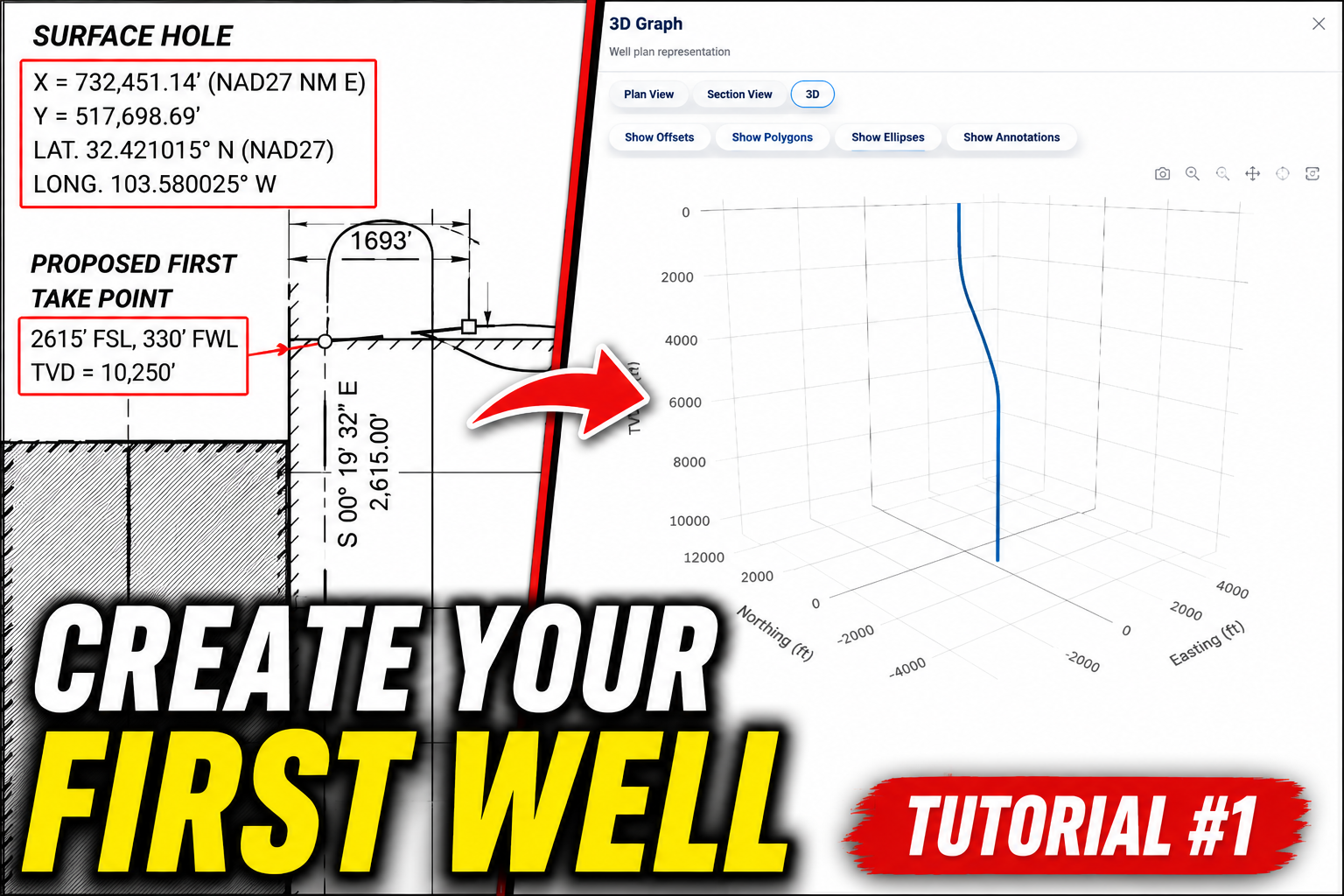
Create Your First Well
Start here to create a new well, enter basic information, and build your first plan.
Watch on YouTube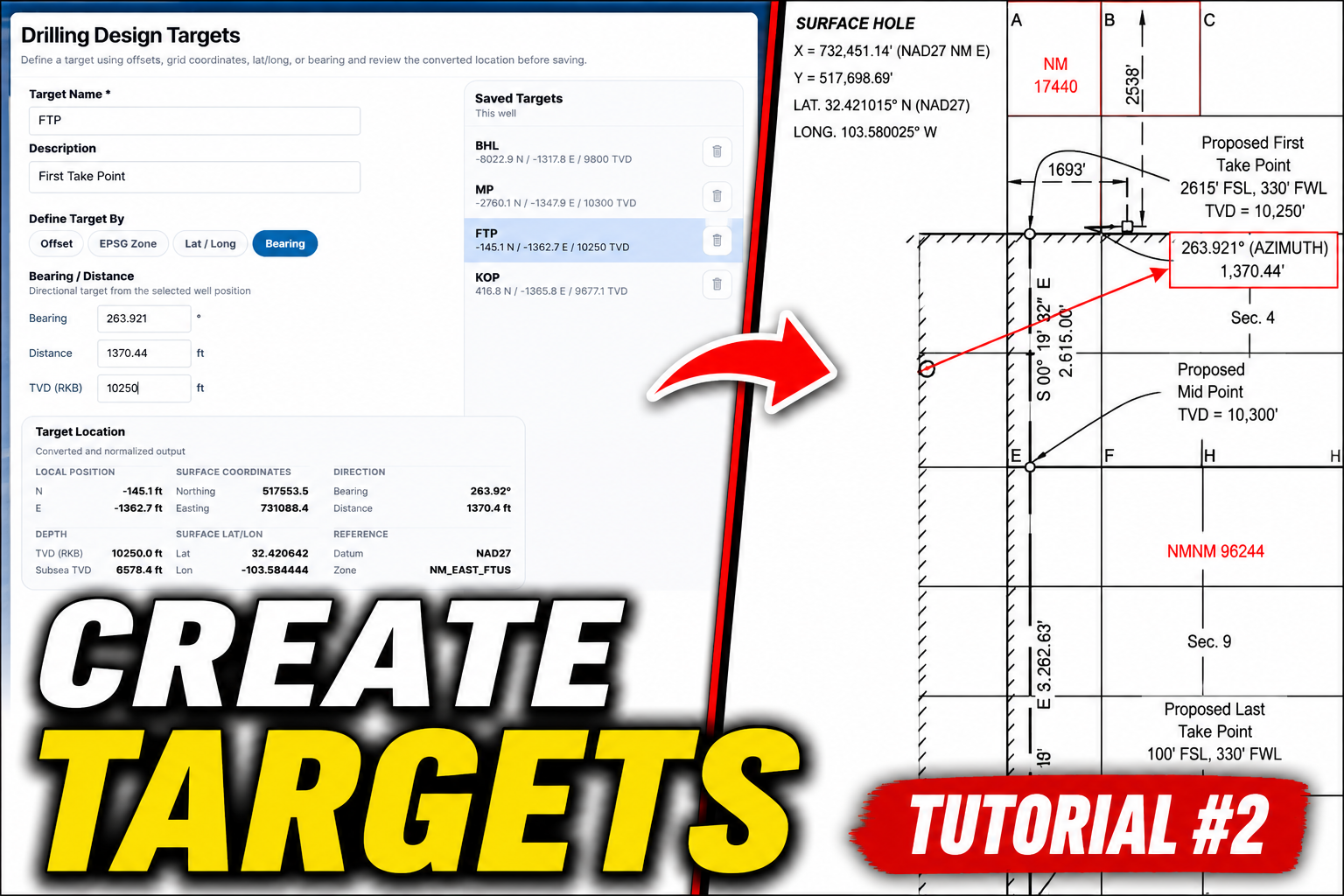
Targets Tutorial
Learn how to add targets and use them in the planning workflow.
Watch on YouTube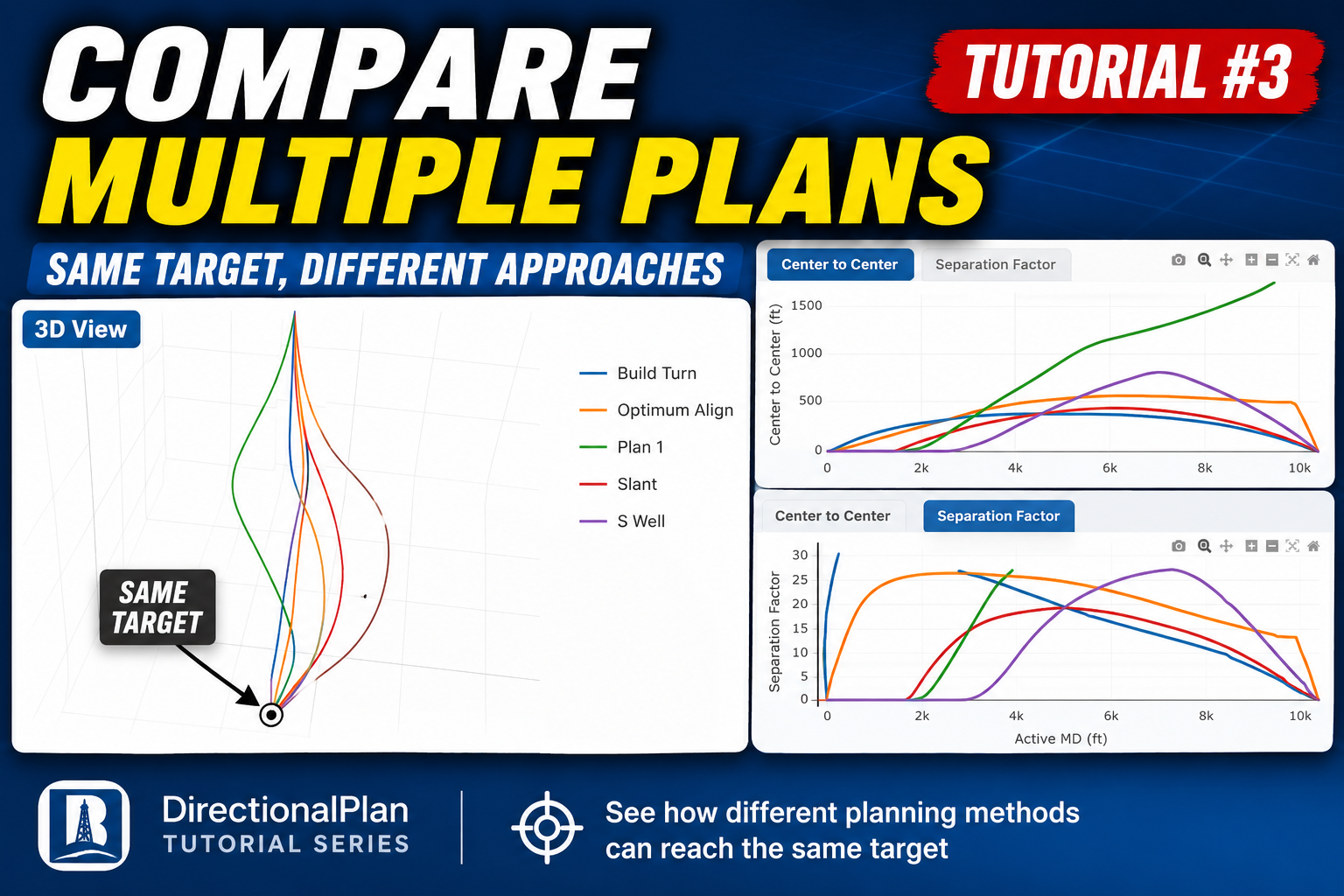
Compare Different Plans to the Same Target
Learn how to build multiple plan options and compare different trajectories to the same target.
Watch on YouTube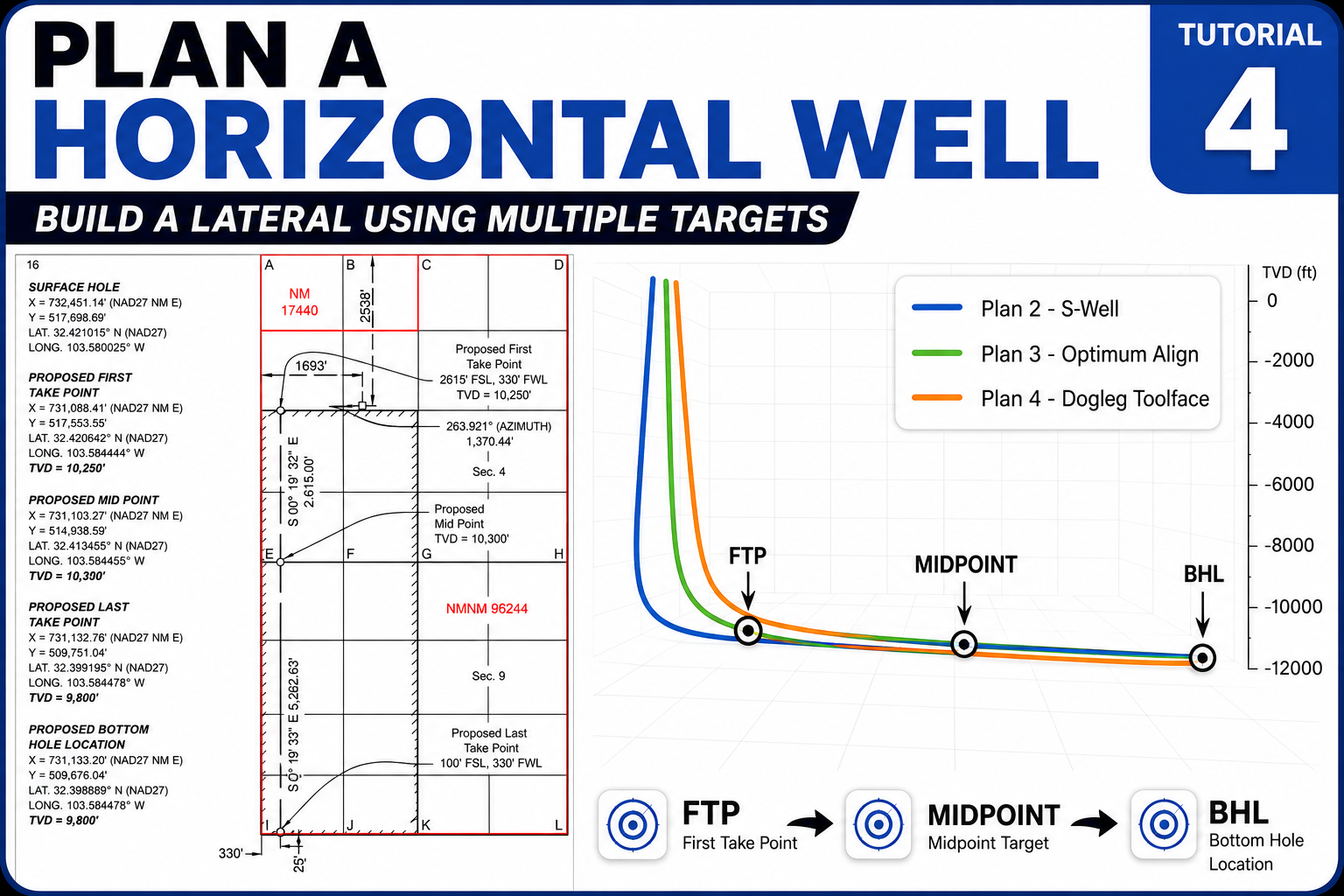
Build a Lateral with Multiple Targets
Use the FTP, midpoint, and bottom hole location to create three different lateral designs and compare the trajectories in 3D.
Watch on YouTube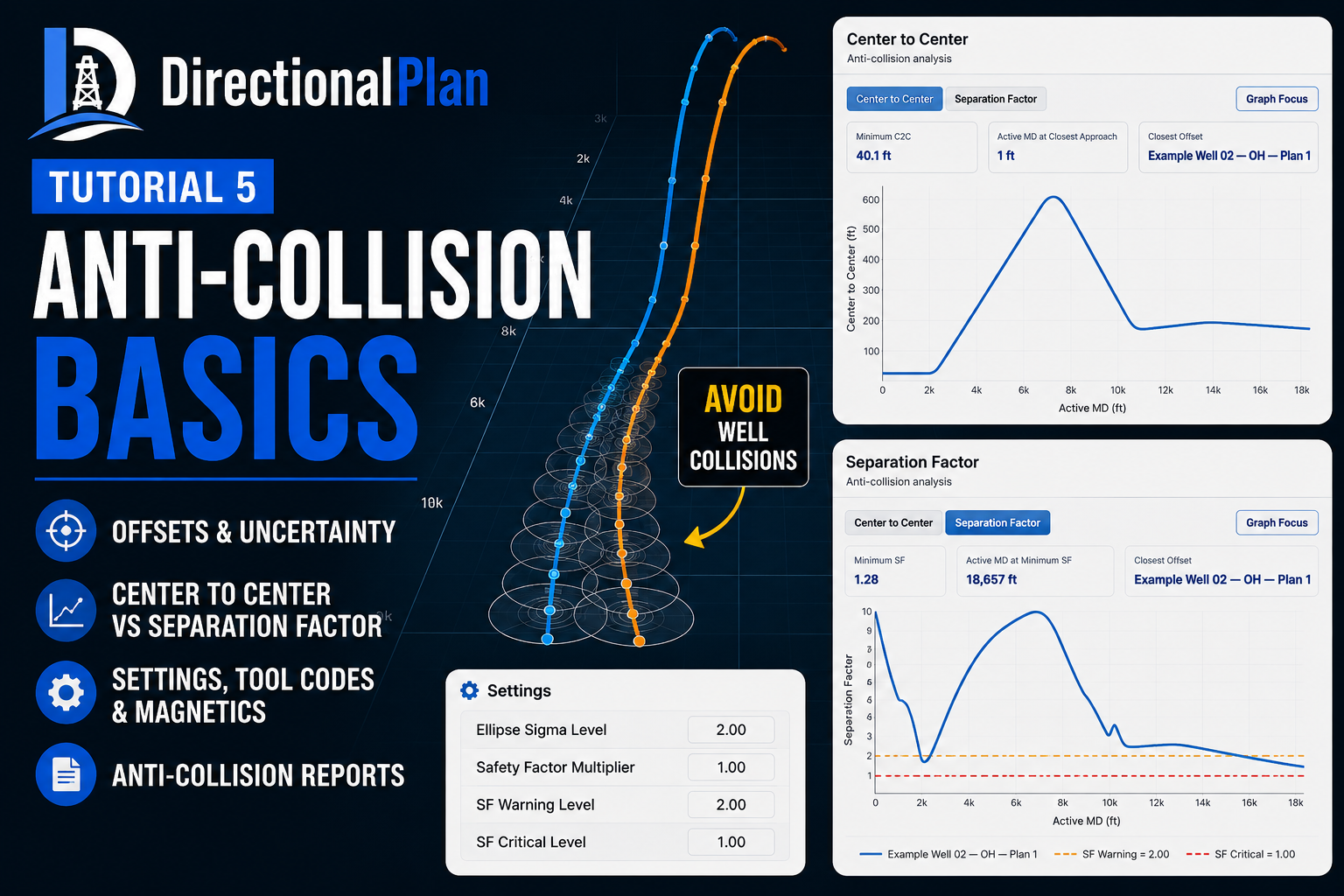
Anti-Collision Basics
Learn how to add offsets, review uncertainty ellipses, compare center-to-center and separation factor, and generate an anti-collision report.
Watch on YouTubeAnnotations, Lease Boundaries & Geology
Add context to your well plan with annotations, lease and polygon boundaries, and formation tops.
Coming soon