Well Summary
Well Name:
-
Wellbore:
Design:
Parent Well
Well:
—
Wellbore:
—
Design:
—
Reference Datum: —
Lat/Long (°): —
N/E (ft): —
Magnetic Model & Date: —
Declination (°): —
Dip Angle (°): —
Field Strength (nT): —
Grid Convergence (°): —
Survey Program:
—
Tie-on MD (ft): —
Ground Level Elev (ft): —
RKB Elev (ft): —
Air Gap (ft): —
No well is currently open
Select a well from Workspace or start something new. Your planner, survey stations, graphs, geology, and anti-collision tools will appear here once a well is loaded.
WHAT'S NEW
QUICK TIP
S-Well Inputs
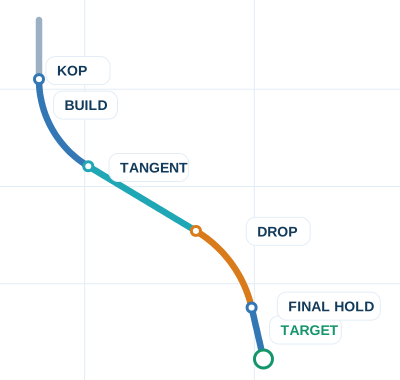 S-Well Tutorial
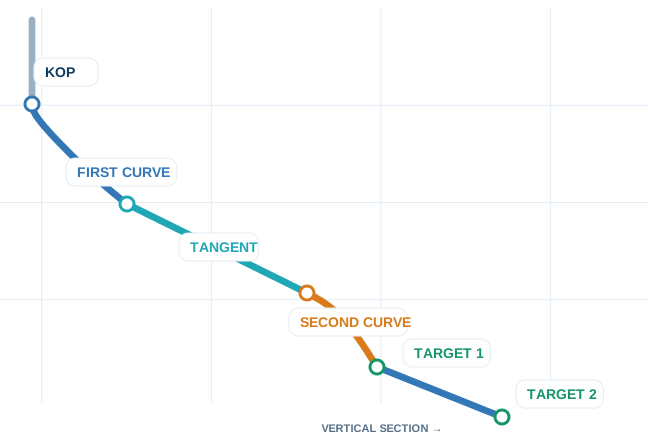
Preview the S-well shape, then click to watch the walkthrough.
S-Well Tutorial
Preview the S-well shape, then click to watch the walkthrough.
Select a parameter combination by entering values in 5 of the below 7 fields and entering a target.
All other values will be calculated.
ft
°/100ft
°
ft
°/100ft
°
ft
Target
ft
ft
ft
Slant Inputs
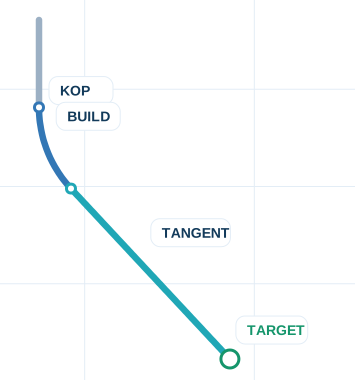 Slant Tutorial
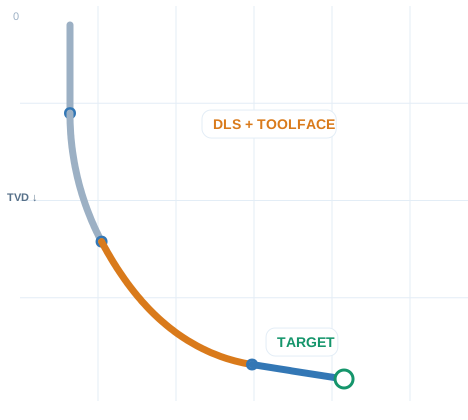
Preview the slant trajectory, then click to watch
the walkthrough.
Slant Tutorial
Preview the slant trajectory, then click to watch
the walkthrough.
Select a parameter combination by entering values in the 2 of the 4 below fields and entering a target.
All other values will be calculated.
ft
°/100ft
°
ft
Target
ft
ft
ft
Build/Turn
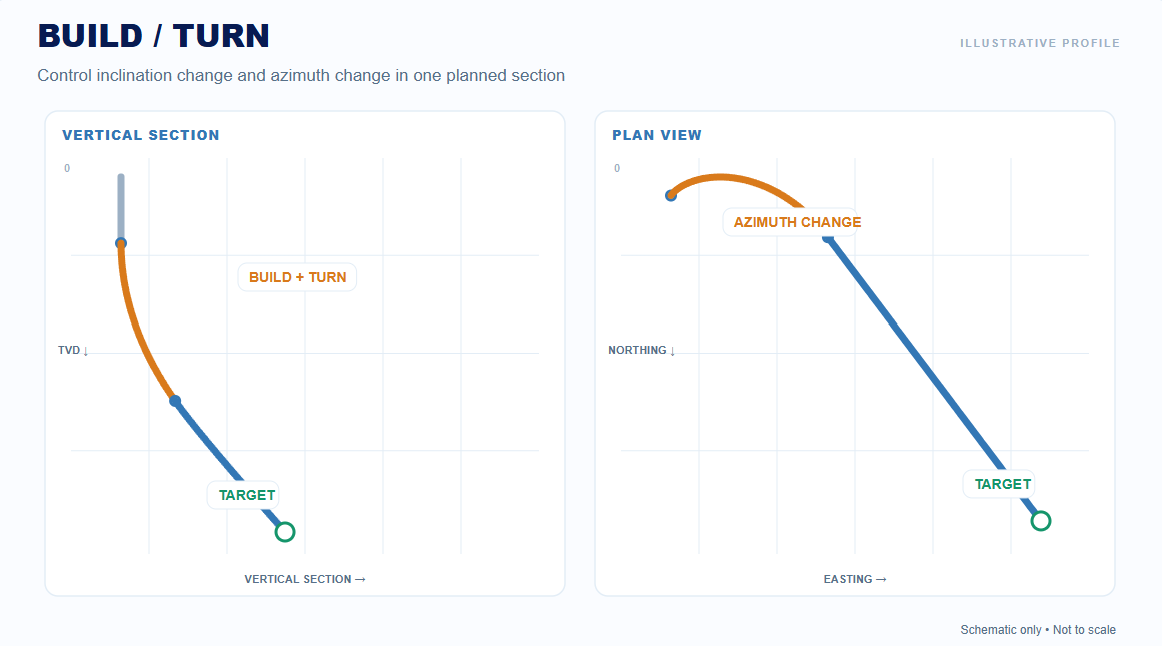 Build/Turn Tutorial
Learn how build and turn rates control the
trajectory, and explore the different
planning methods.
Build/Turn Tutorial
Learn how build and turn rates control the
trajectory, and explore the different
planning methods.
Select a build/turn submethod, enter the required build rate, turn rate, and target values.
Build Rate and Turn Rate can be negative.
°/100ft
°/100ft
SUBMETHOD
HOLD TO
ft
ft
°
°
Target
ft
ft
ft
Hold
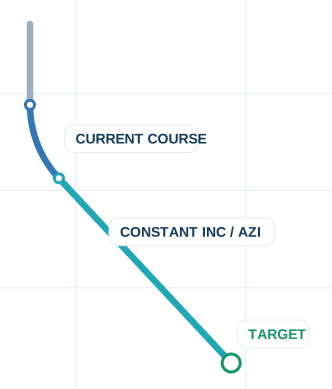 Hold Tutorial
Extend your current trajectory at constant
inclination and azimuth to a selected depth
or distance.
Hold Tutorial
Extend your current trajectory at constant
inclination and azimuth to a selected depth
or distance.
Hold to
Value
ft
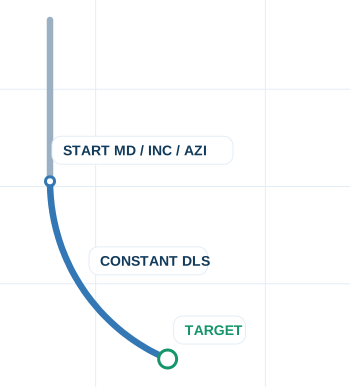
Constant course hold to selected measure.
Target
Target for Hold to TVD or Vertical Section
Tip: target is only used when holding to TVD or Vertical Section.
Enter MD/Inc/Azi or use planner buttons. Stations is a read-only trajectory view.